Built for the whole maintenance team
Multifamily maintenance involves a lot of people, and each of them needs a different view of the same apartment. Invendoory gives technicians, supervisors, property managers and VPs one shared record, with the screens and permissions that fit their job.
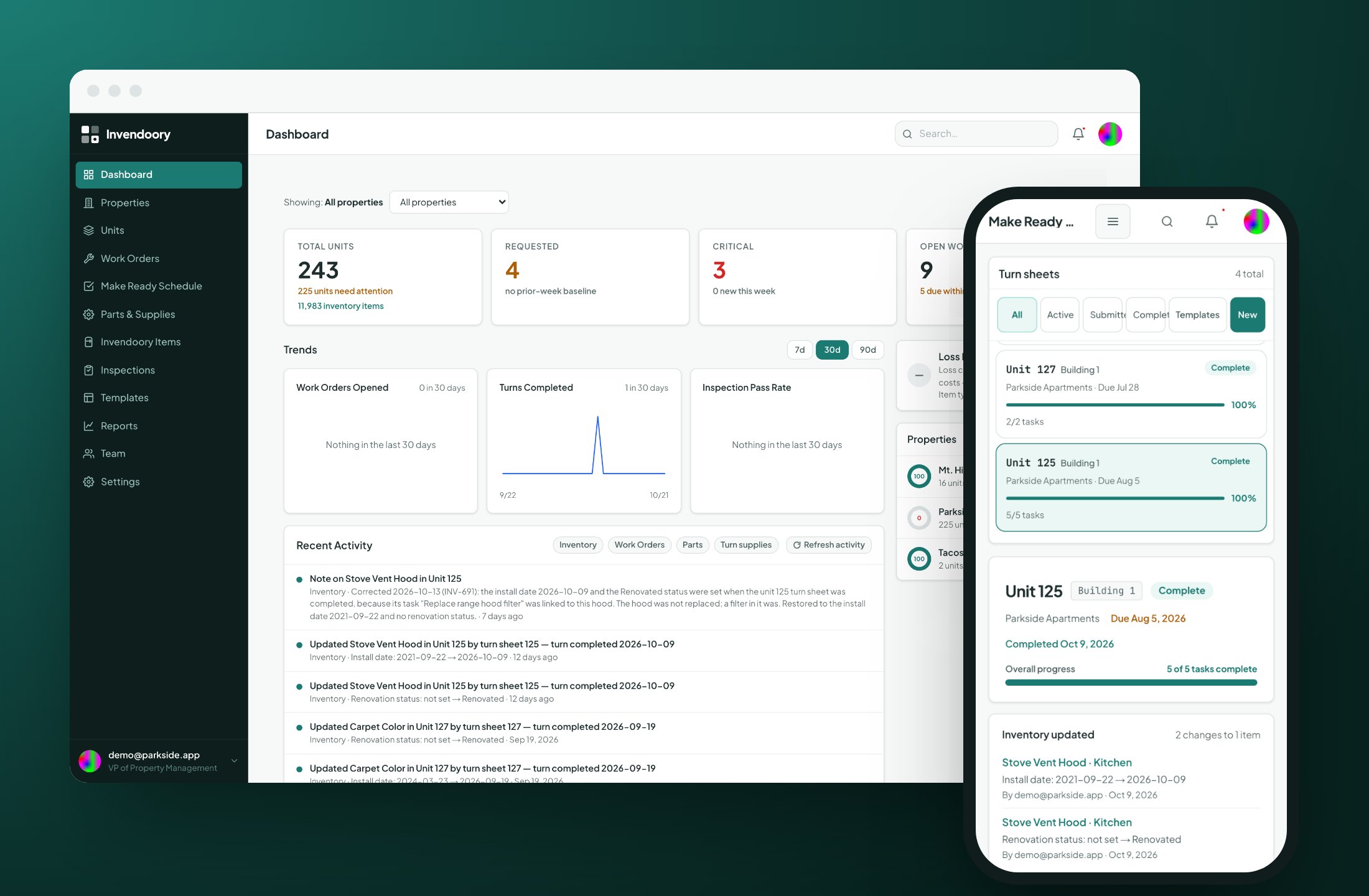
Multifamily maintenance breaks at the handoffs
A request comes in from the leasing office. A supervisor assigns it. A tech fixes it, writes the replacement on a paper form, and the property manager finds out about it at the end of the quarter. Each person did their part, but nobody holds the whole picture.
That is how maintenance teams end up with three records that never agree: a spreadsheet, a binder and a whiteboard. Centralized maintenance means everyone works from one record of what is installed in every unit, and that record updates when the work is done.
The pages below show what that looks like for each role. Each page starts with that person’s daily pressures, then lists the exact features that help.
Fix it in one trip, with less paperwork
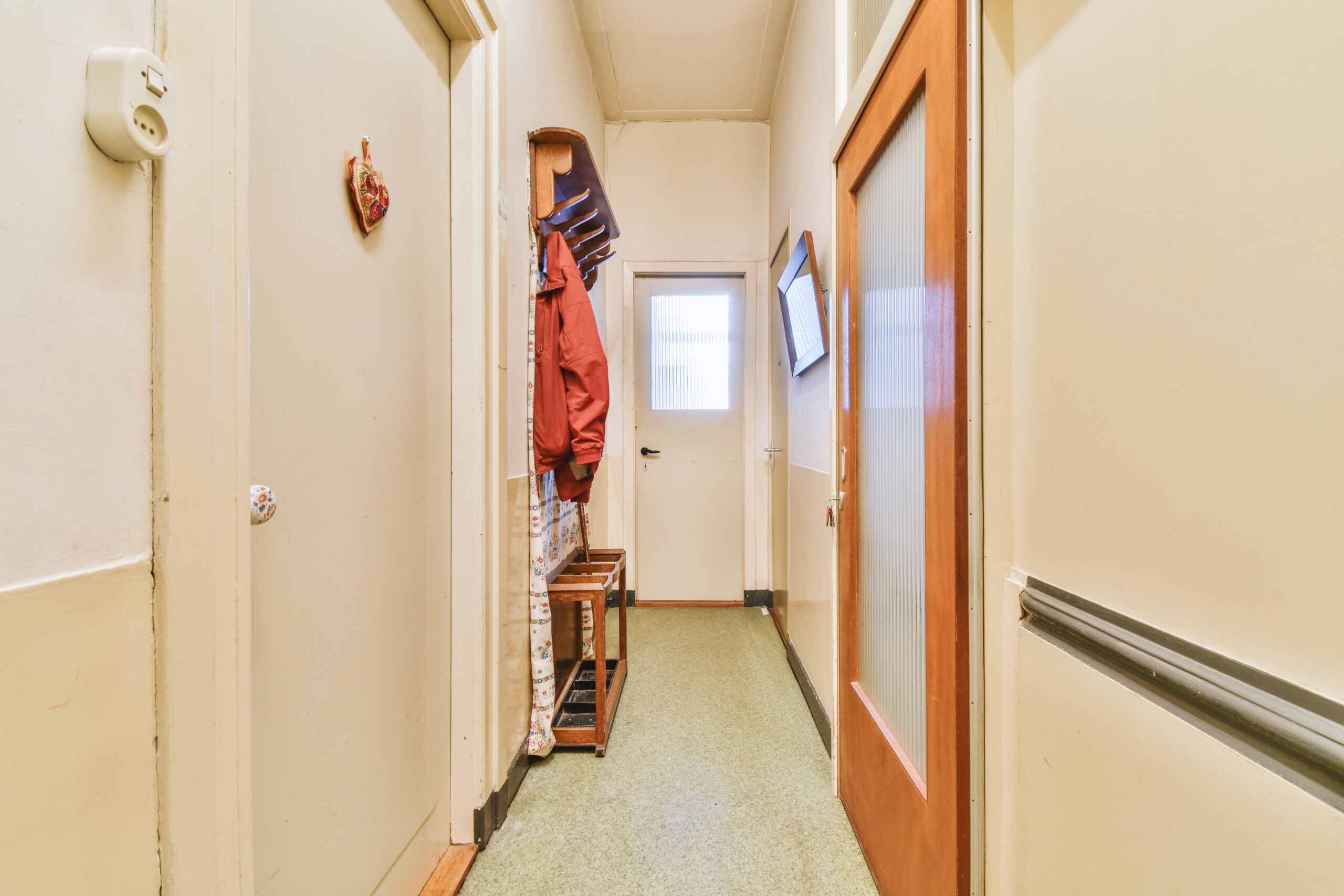
Techs need the appliance’s make, model and compatible parts in their hand before they walk to the truck. Invendoory puts item details, assigned turn tasks and photo capture on the phone, in the browser they already have.
Read the full page on Invendoory for maintenance technicians.
- Item details and compatible parts on the phone
- Assigned turn tasks, from Not Started to Complete
- Flag for help alerts the supervisors
Keep the crew, the turns and the inspections on schedule
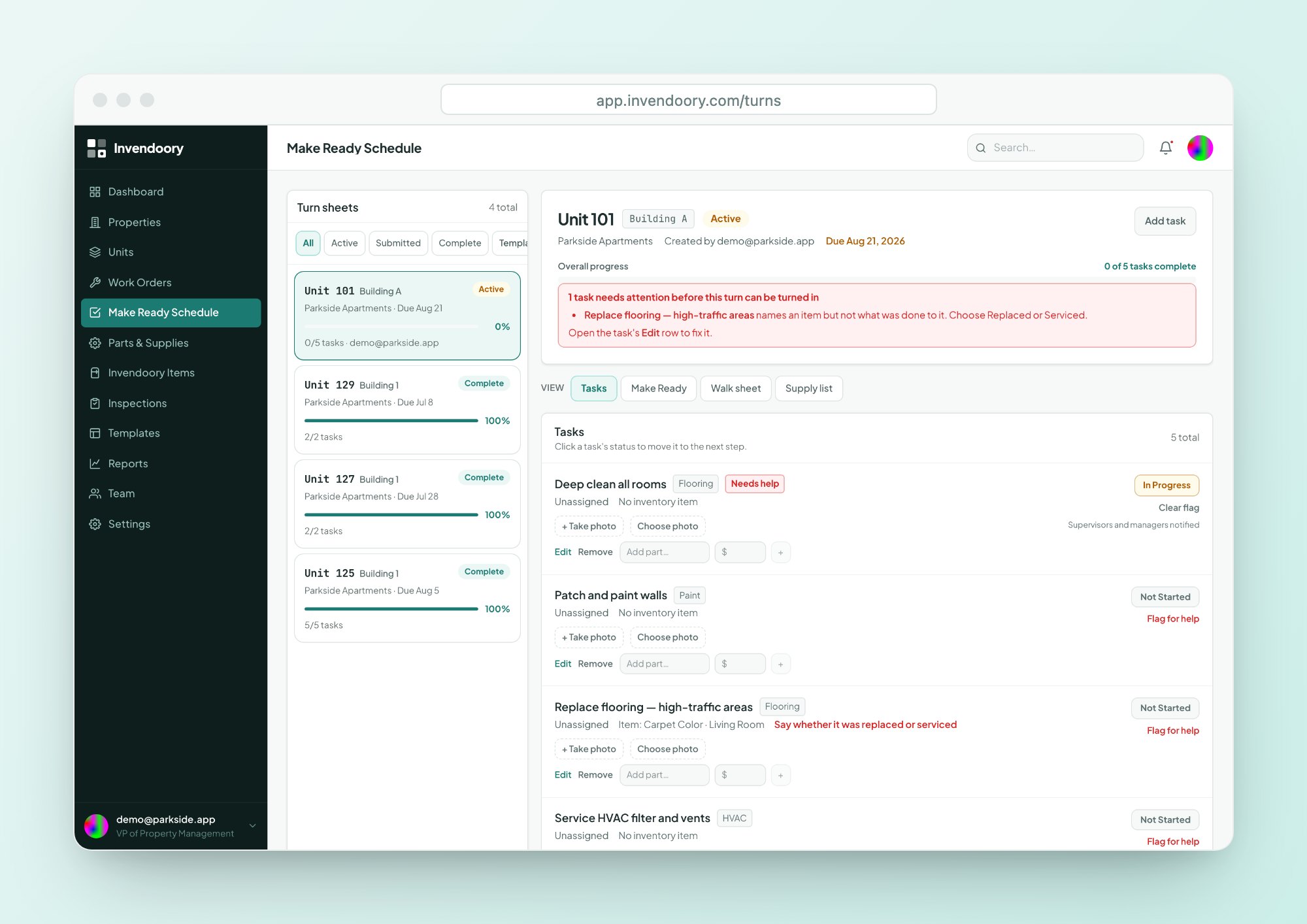
Supervisors carry the schedule. They assign turn sheets and work orders, watch progress live, and make sure inspections happen on time and parts are on the shelf.
See how it works on Invendoory for maintenance supervisors.
- Assign and track turn sheets live
- Inspection due and overdue notifications
- Maintenance Performance report for every technician
Control the budget, back up resident charges and fill units faster
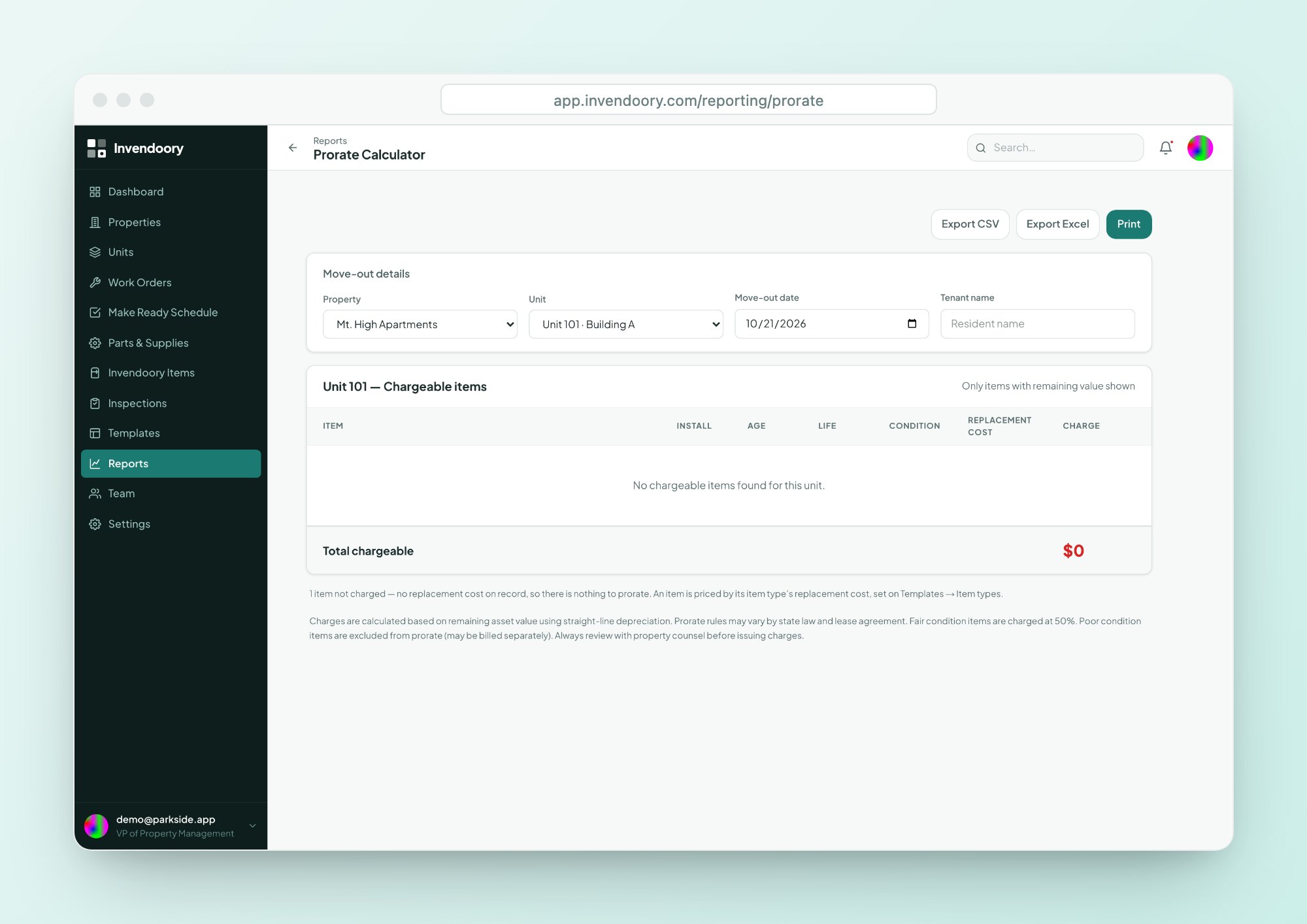
Property managers verify finished turns, charge residents fairly for damage and keep vacant days low. The unit’s inventory updates when you verify, so the numbers behind a charge are already there.
Read Invendoory for property managers for the full list.
- Prorate Calculator for move-out charges
- Audited chargebacks, locked after 30 days
- Compare units side by side for leasing conversations
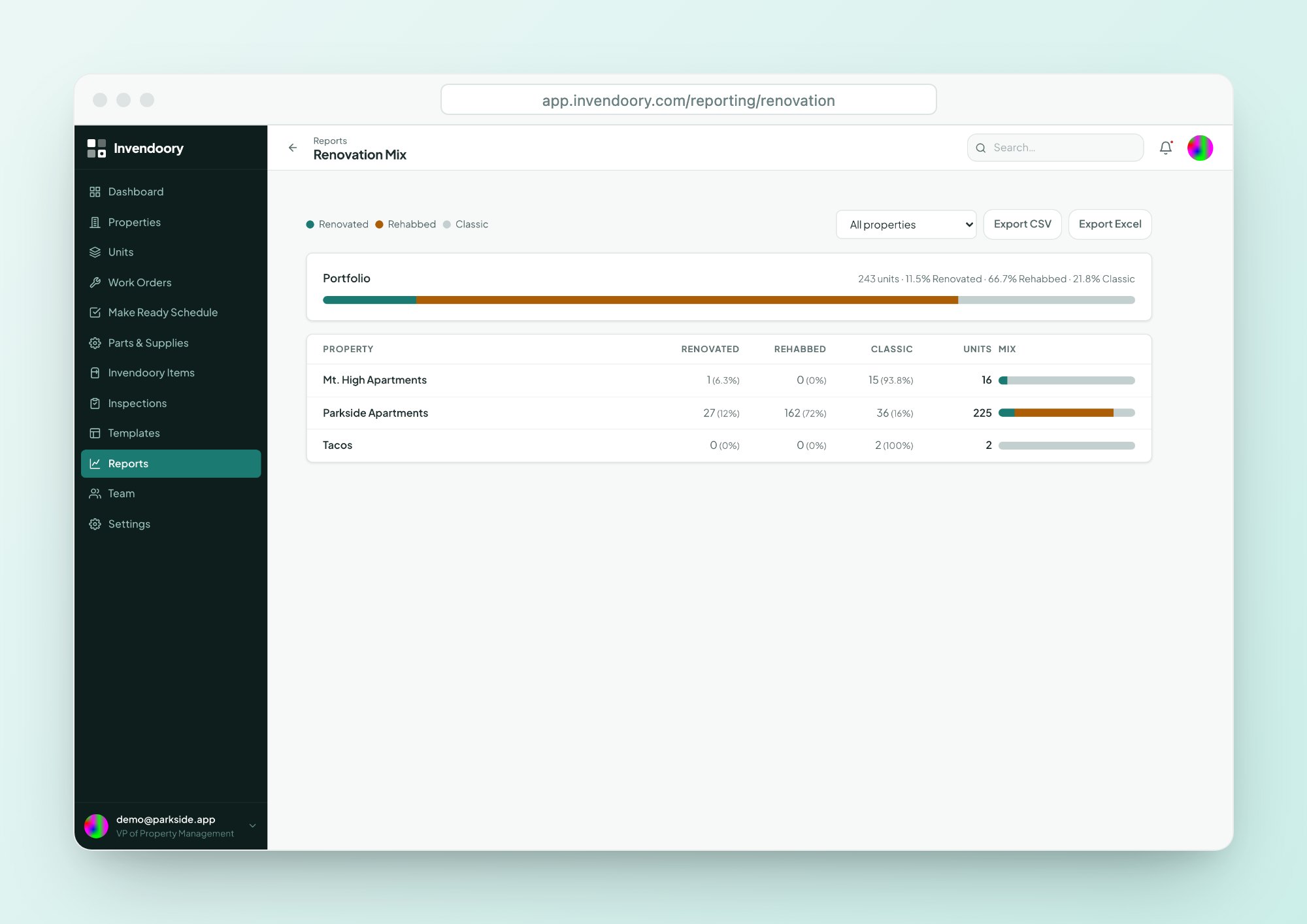
See portfolio value, cost and team performance in one place
Regionals and VPs need to compare properties without calling every site. The dashboard, Renovation Mix and Maintenance Performance reports answer that, and Loss Detection is visible to the VP role alone.
Continue to Invendoory for regional managers and VPs.
- Portfolio view with property health rings
- Renovation Mix across every property
- Every report exports to CSV and Excel
Six roles, from Leasing to VP
Each role includes everything the role below it can do. Nobody can invite someone above their own rank.
| Role | What it can do |
|---|---|
| Leasing | Read-only, and can file a maintenance request |
| Technician | Records inspections, works assigned work orders and turn tasks, turns sheets in, records chargebacks |
| Maintenance Supervisor | Triages and assigns work, creates inspections and turn sheets, manages inventory and parts |
| Property Manager | Manages properties, units and templates, invites users, verifies turn sheets |
| Regional Manager | Property Manager's powers at a higher rank |
| VP | Changes roles, and is the only role that sees Loss Detection |
Permissions are enforced in the database itself, not just the screens. Read more on the security page.
How centralized maintenance works across roles
Every role touches the same unit record at a different moment.
A supervisor assigns it
Requests are triaged, then assigned to a technician with a priority of Critical or Standard.
A technician fixes it
They work the task on a phone, add photos and notes, and record what was replaced.
A manager verifies it
On a turn, verification updates the unit’s inventory. Reports then reflect the real state of the unit.
Bring the whole team on without a migration project
Import your units
Upload a CSV or Excel export. Columns are matched automatically, including the names used by AppFolio and Buildium exports, and problems are previewed before anything saves.
Invite your team
Property managers create invite links that expire after 2 weeks and can be tied to an email address. Removing a member cuts access immediately.
Start with real templates
New organizations get three inspection templates and a standard 82-item supply list, both taken from a working operator’s paperwork.
Questions about roles and access
Do technicians need to install an app?
No. Invendoory is a web app designed down to phone width, with 44-pixel tap targets and camera capture. Technicians open it in the browser they already have. It does need a data connection, so it works wherever your crew has signal.
Can Leasing staff see everything?
Leasing is read-only, and can file a maintenance request. Each role sits above the one below it, so Leasing has the narrowest access of the six. Permissions are enforced in the database itself, not only in the screens.
Who can see Loss Detection?
Only the VP role. Loss Detection compares recorded spend against installed value by budget category and flags variances above a threshold. Regional Managers have Property Manager powers at a higher rank, but the report stays with the VP.
How do I add my team?
Property managers and above create invite links. The links expire after 2 weeks, can be tied to an email address and can be revoked. Invites are copied and shared by hand, and nobody can invite above their own rank.
Is this only for large portfolios?
Invendoory is built for apartment and condo operators from roughly 500 units per site team up to portfolios of 5,000 units or more. Plans start at $89 a month for 50 units, so smaller properties can start too.
See your own role in the live demo
Open the demo with sample apartment data, no signup required. Or read how the platform fits together first.