Invendoory pricing that scales with your units
Two plans, priced by portfolio size. Basic is $89 a month and Advanced is $350 a month, each with extra units billed at a flat per-unit rate. This page shows the exact monthly cost from 50 to 5,000 units.
Basic and Advanced plans
Pick by portfolio size. Talk to us to confirm which plan fits your portfolio.
Priced for a small portfolio. The plan covers 50 units, and each unit beyond that adds $3.00 a month.
Talk to us to confirm which plan fits your portfolio.
Priced for a larger portfolio. The plan covers 300 units, and each unit beyond that adds $1.00 a month.
Talk to us to confirm which plan fits your portfolio.
What each plan costs at your unit count
The table shows the monthly price for each plan at common portfolio sizes, and which one costs less. Advanced costs less above 137 units.
| Units managed | Basic | Advanced | Lower cost |
|---|---|---|---|
| 50 | $89 | $350 | Basic |
| 100 | $239 | $350 | Basic |
| 137 | $350 | $350 | Same |
| 200 | $539 | $350 | Advanced |
| 300 | $839 | $350 | Advanced |
| 500 | $1,439 | $550 | Advanced |
| 1,000 | $2,939 | $1,050 | Advanced |
| 2,500 | $7,439 | $2,550 | Advanced |
| 5,000 | $14,939 | $5,050 | Advanced |
Basic = $89 + $3 × (units − 50). Advanced = $350 + $1 × (units − 300). Past 137 units, Advanced is the cheaper line. Feature differences between the plans are not listed here, so talk to us to confirm which plan fits your portfolio.
Working out your Invendoory pricing
Start with your unit count. Under 137 units, Basic costs less. At exactly 137 units both plans cost $350 a month. Above that, Advanced is cheaper, and the gap grows with every unit you add.
Here is an example. At 500 units, Basic is $89 plus $3 for each of the 450 units past 50, which comes to $1,439. Advanced is $350 plus $1 for each of the 200 units past 300, which comes to $550.
The table covers the portfolio sizes we hear about most. For any other number, use the two formulas under the table. If you would rather have us run the numbers, talk to us with your unit count.
How units are counted
A unit is an apartment or condo in your portfolio. Garages and storage spaces are tracked as their own spaces, linked to an apartment, and they do not inflate your unit or vacancy counts.
That is all this page claims about counting. If your property has a mix that does not fit neatly, such as a building with many garages or a site with commercial space, contact us and we will tell you how it would be counted before you decide.
What to compare when you weigh apartment maintenance software cost
Price per unit is only one number. When you compare property maintenance software pricing, ask what you will pay at your real unit count, not at the entry tier shown on a plan card.
That is why this page prints the full table. A 500-unit operator and a 5,000-unit operator see their own row, with no calculator and no request for a quote first.
Also ask what it costs to get your data in. Invendoory imports units from a spreadsheet, and the team can convert an inventory workbook into item records. See onboarding for what that looks like.
Finally, ask what you can take with you. Every Invendoory report exports to CSV and Excel.
Look at the product before you look at a quote
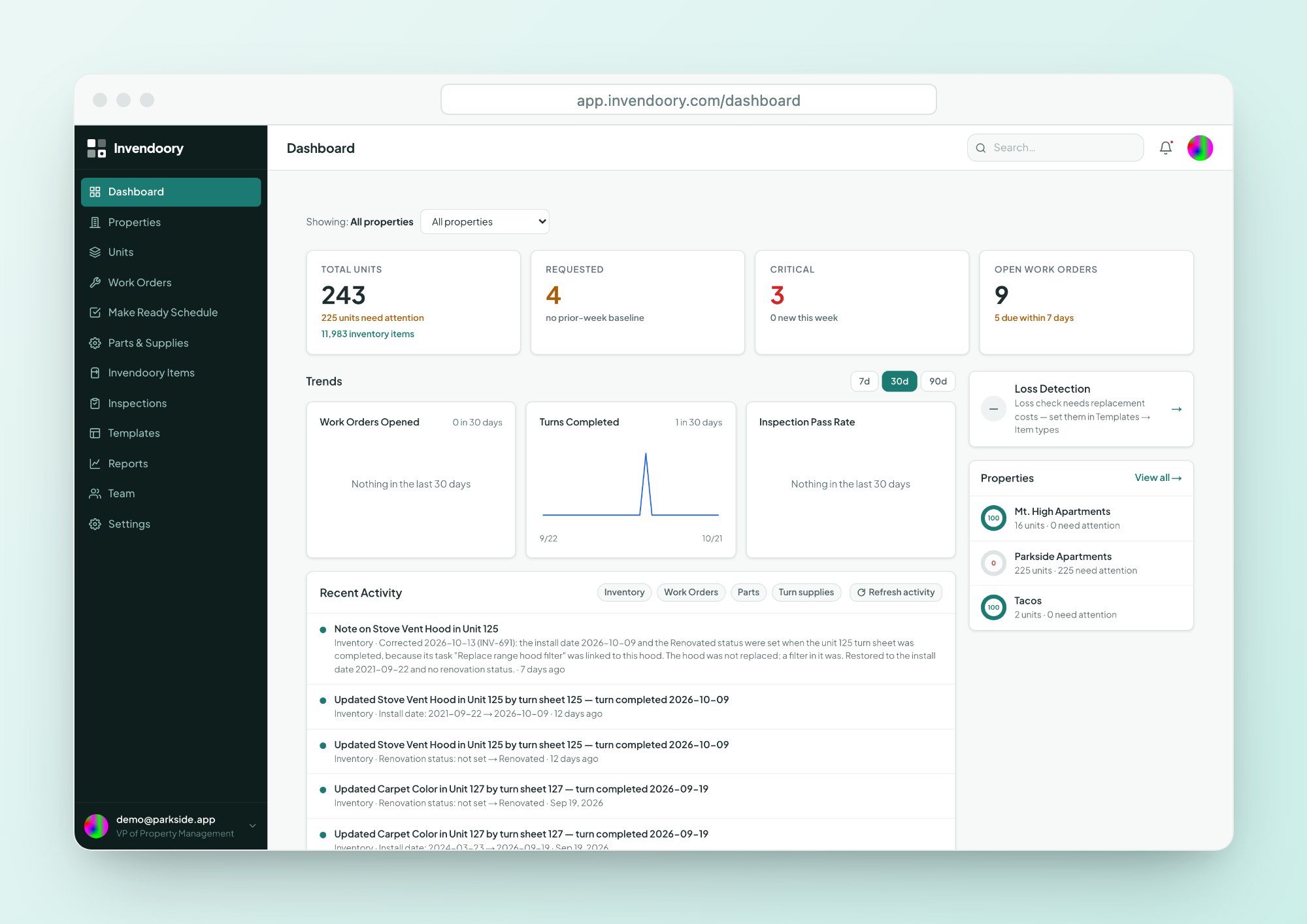
The live demo is a working account with sample apartment data. It needs no signup and holds no customer data. In about 10 minutes you can open a completed turn sheet, check the life left on a unit’s appliances and run the reports.
When you are ready to see your own units, onboarding explains how to import a spreadsheet or have the team convert your inventory workbook.
- No signup for the demo
- Sample data only
- Import units from a spreadsheet

Pricing questions
How does Invendoory count units?
Each apartment or condo counts as one unit. Garages and storage spaces are tracked as their own spaces, linked to an apartment, and they do not add to your unit or vacancy counts. If your property is unusual, contact us and we will confirm how it would be counted.
Which plan should we choose?
The cost table shows that Basic costs less up to 136 units and Advanced costs less above 137. Both plans are priced by size, and feature differences between them are not listed here. Talk to us to confirm which plan fits your portfolio.
Can we try Invendoory before we buy?
Yes. The live demo is a working account with sample apartment data for Parkside Apartments. It needs no signup and has no customer data. Click through turn sheets, inspections, unit inventories and reports at your own pace before talking to anyone.
How does onboarding work?
You can import units from a CSV or Excel file, including AppFolio and Buildium exports, and the team can convert an item-level inventory workbook for you. See the onboarding page for the steps, or talk to us about your spreadsheets.
Can we export our data?
Every report exports to CSV and Excel (.xlsx), and most can be printed from the browser. Your reports leave with you, so you can check the numbers in your own spreadsheet at any time.
What are the contract and billing terms?
The published prices are the monthly plan prices above. Contract length, billing cycle and anything beyond the published prices are not listed on this page, so talk to us and we will answer directly.
See the product, then talk numbers
Open the demo first. When you know what you want to price, tell us your unit count.