Security that lives in the database, not just the screens
Property management software security should be something you can check. In Invendoory, access is limited to your organization, every role’s permissions are enforced in the database itself, and changes to the records that matter leave a permanent trail.
Property management software security starts with what the inventory holds
An inventory system holds the names of your staff, the notes on your inspections and the amounts on resident chargebacks. Regional managers and VPs need to know who can see and change those records. So do your residents and your insurer.
Most property management software security pages say it is secure and leave it there. This page says what Invendoory actually does, and it is just as clear about what it does not offer.
Property management software security: role based permissions enforced where the data lives
Hiding a button is not security. A person who cannot edit a record on screen should not be able to edit it by any other route.
Organization-only access
Access is restricted to members of your organization. Each deployment serves one organization, and accounts are invite-only.
Permissions in the database
Every role’s permissions are enforced in the database itself, not only in the screens, and both are covered by automated database tests.
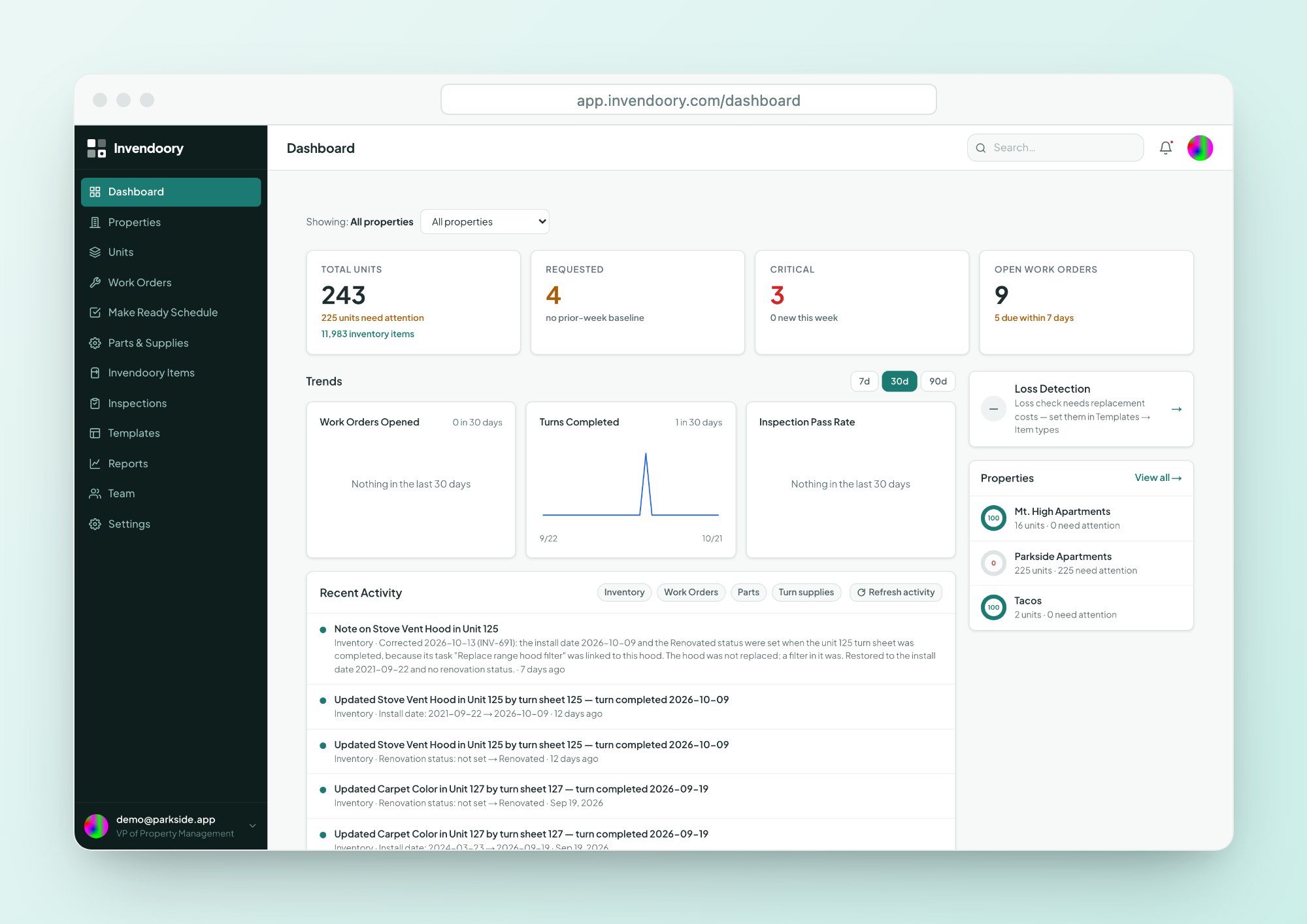
Six roles, each including the one below
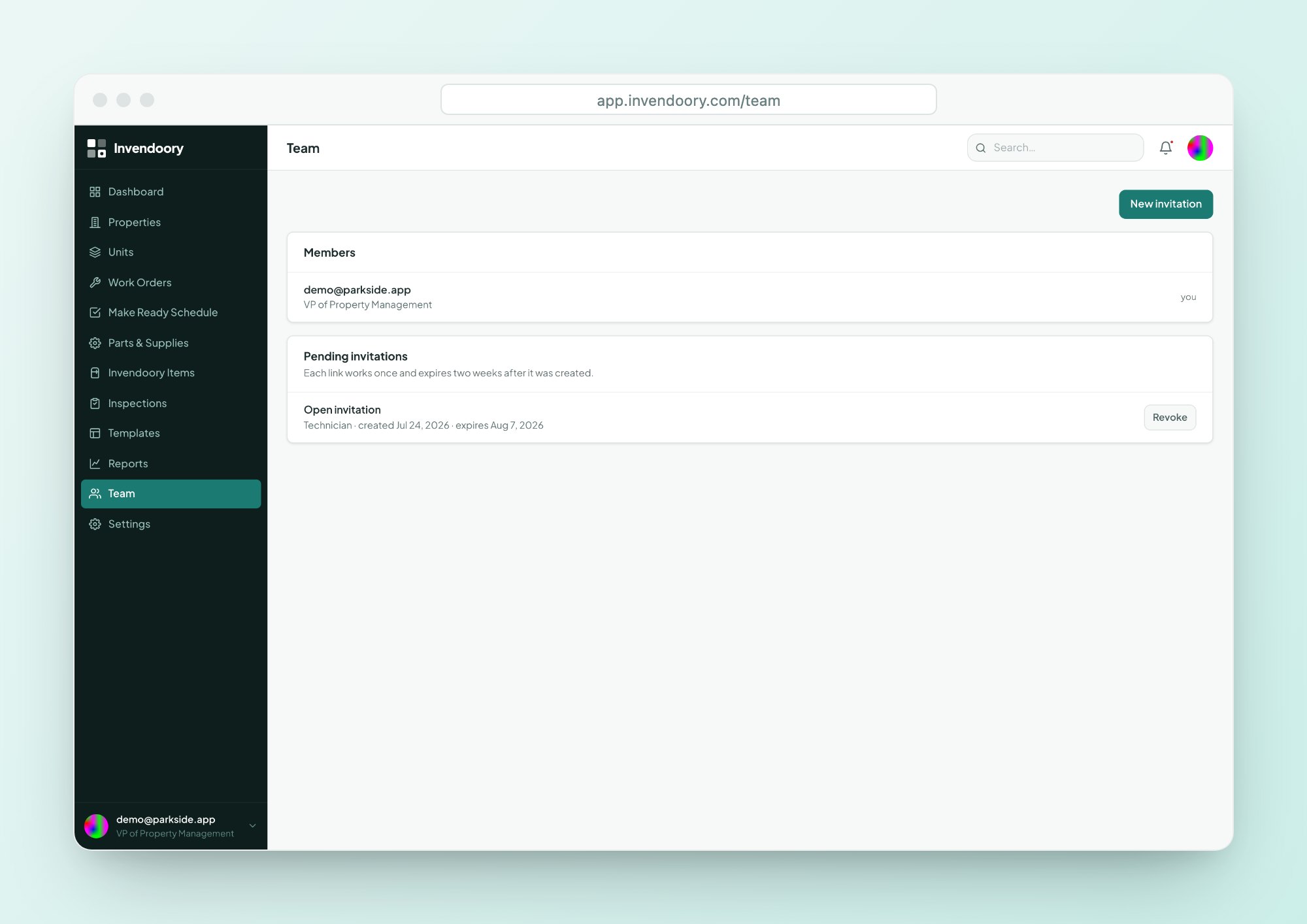
Leasing, Technician, Maintenance Supervisor, Property Manager, Regional Manager and VP. Each role includes everything the role below it can do.
What each role can do
| Role | What it can do |
|---|---|
| Leasing | Read-only, and can file a maintenance request |
| Technician | Records inspections, works assigned work orders and turn tasks, turns sheets in, records chargebacks |
| Maintenance Supervisor | Triages and assigns work, creates inspections and turn sheets, manages inventory and parts |
| Property Manager | Manages properties, units and templates, invites users, verifies turn sheets |
| Regional Manager | Property Manager's powers at a higher rank |
| VP | Changes roles, and is the only role that sees Loss Detection |
Property management software security begins with invite-only accounts
Nobody creates an account on their own. A person with the right rank sends an invite, and the invite does the rest of the work for you.
- Invite links expire after 2 weeks
- Links can be tied to an email address
- Invites can be revoked at any time
- Nobody can invite above their own rank
- Removing a member cuts access immediately
- Sign-in is email and password, or an emailed sign-in link, with self-serve password reset
An audit trail for the records people argue about
A permanent change log covers inventory, membership, invites and chargebacks. You can see who changed what, and when.
Chargebacks get extra protection. Every record, edit and removal is logged. After 30 days, a chargeback is locked, and no role can change or delete it, admins included. The lock is enforced in the database using the server’s clock. Inspections, properties and concerns that hold chargebacks cannot be deleted out from under them.
- Permanent change log for inventory, membership, invites and chargebacks
- Chargebacks audited and locked after 30 days
- Lock enforced in the database using the server’s clock
- Holders of chargebacks protected from deletion
Security by the numbers that matter
Privacy and WCAG 2.1 AA, checked automatically
Privacy by default
Error logs and analytics strip emails and sign-in links before they are recorded. Analytics run with ad signals off.
Accessible to the whole crew
Invendoory meets WCAG 2.1 AA, and the check runs automatically on every change. Phone layouts use 44px tap targets.
Your data leaves with you
Every report exports to CSV and Excel. There is no full data export or backup download, so plan on reports as the way out.
Reports stay controlled
Loss Detection is restricted to the VP role, and that rule is enforced in the database.
What this property management software security page does not promise
Invendoory does not offer single sign-on, Google sign-in or two-factor sign-in. Sign-in is email and password, or an emailed sign-in link. It holds no compliance certifications, so we will not claim any. Invites are links your team copies and shares by hand, not emails the app sends.
If your property management software security review needs any of those, tell us before you commit. For how the platform fits together, see the platform overview or read about pricing.
Security questions
How is access restricted?
Only members of your organization can reach your data, and accounts are invite-only. Every role’s permissions are enforced in the database itself, not only in the screens, and automated database tests cover them. Removing a member cuts access immediately, with no waiting for a session to expire.
How do people sign in?
With an email and password, or an emailed sign-in link, and password reset is self-serve. There is no single sign-on, Google sign-in or two-factor sign-in at this time. Tell us if that is a requirement for your organization before you commit to a rollout.
What gets logged?
A permanent change log covers inventory, membership, invites and chargebacks. Chargebacks are audited on every record, edit and removal, then locked after 30 days. No role can change or delete a locked chargeback, administrators included, because the lock is enforced in the database.
Is Invendoory accessible?
It meets WCAG 2.1 AA, and the check runs automatically on every change rather than once a year. The app is also built for phones, with 44px tap targets and camera capture, so field crews can use it on the device they already carry without installing anything.
What happens to our emails and links in logs?
Error logs and analytics strip emails and sign-in links, and analytics run with ad signals off. Reports export to CSV and Excel. There is no full data export or backup, so the report exports are how data leaves, and you should plan on those for any handoff.
Check the property management software security yourself
The live demo uses sample data and no customer information. Or talk to us about your security review.