Maintenance management software where every work order knows the appliance
Requests and work orders live in one list with one lifecycle, linked to the unit and the exact item. Complete a replacement, and the appliance’s record updates itself.
A request that says the sink is broken
Most work order software records a complaint and a status. It doesn’t tell the tech which faucet, which unit’s disposal or which model of garbage disposal is in the cabinet. The tech walks over, diagnoses, walks back to the shop for a part and returns.
Then the repair is finished and nobody updates the inventory. The next work order starts from the same blank. Invendoory ties each request to the unit and the specific appliance, so the tech arrives knowing what is there and which parts fit it.
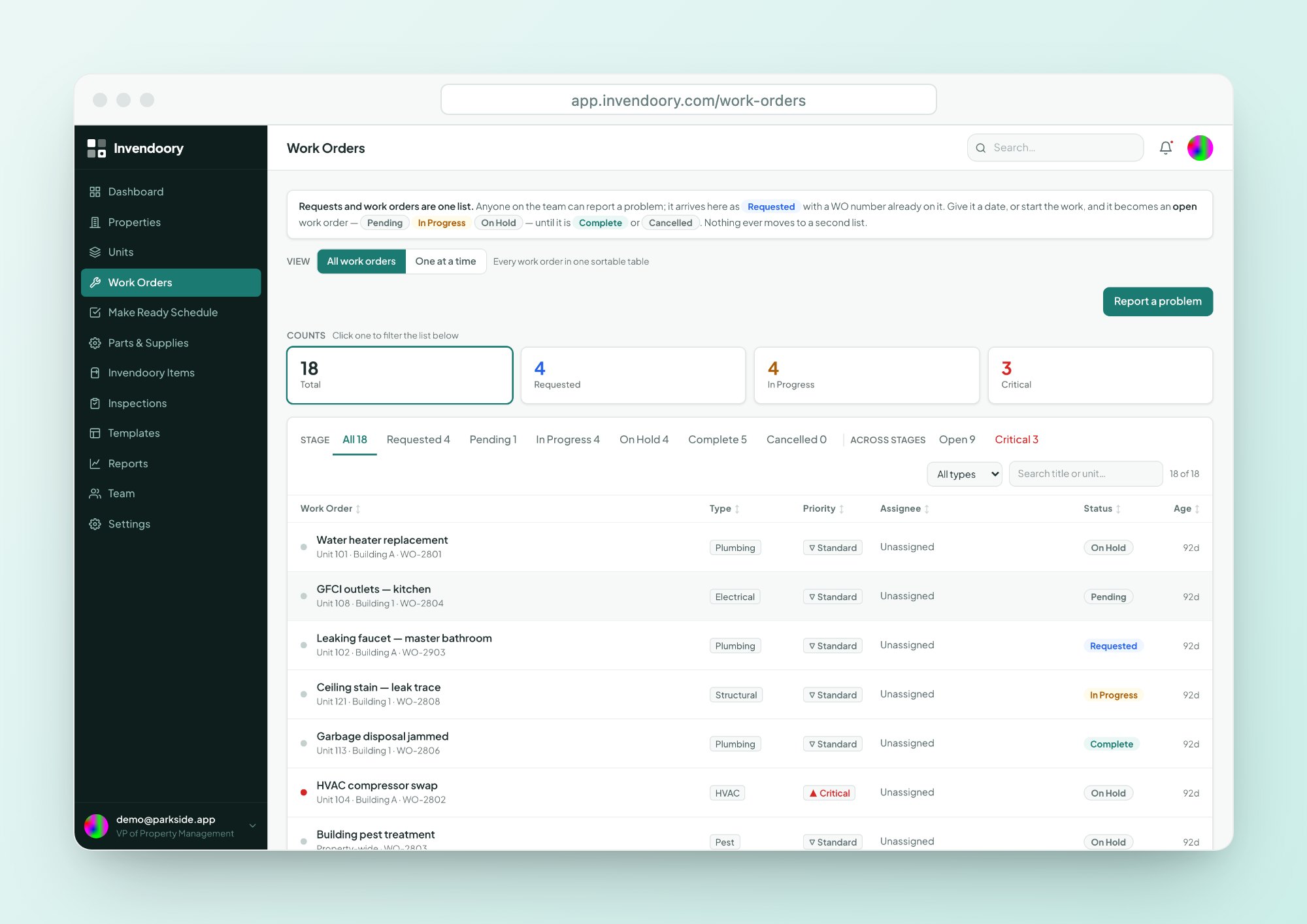
Requests and work orders in a single list
Anyone can file a request, Leasing included. A request and a work order are the same record at different stages, and both follow one lifecycle: Requested, Pending, In Progress, On Hold and Complete, or Cancelled.
On Hold and Cancelled both require a note, so nobody has to ask why something stalled. Types are Plumbing, Electrical, HVAC, Pest, Structural, General and Access, and priority is Critical or Standard. It is a list with a detail panel, not a kanban board.
- Requested, Pending, In Progress, On Hold, Complete
- A note is required for On Hold and Cancelled
- Critical or Standard priority
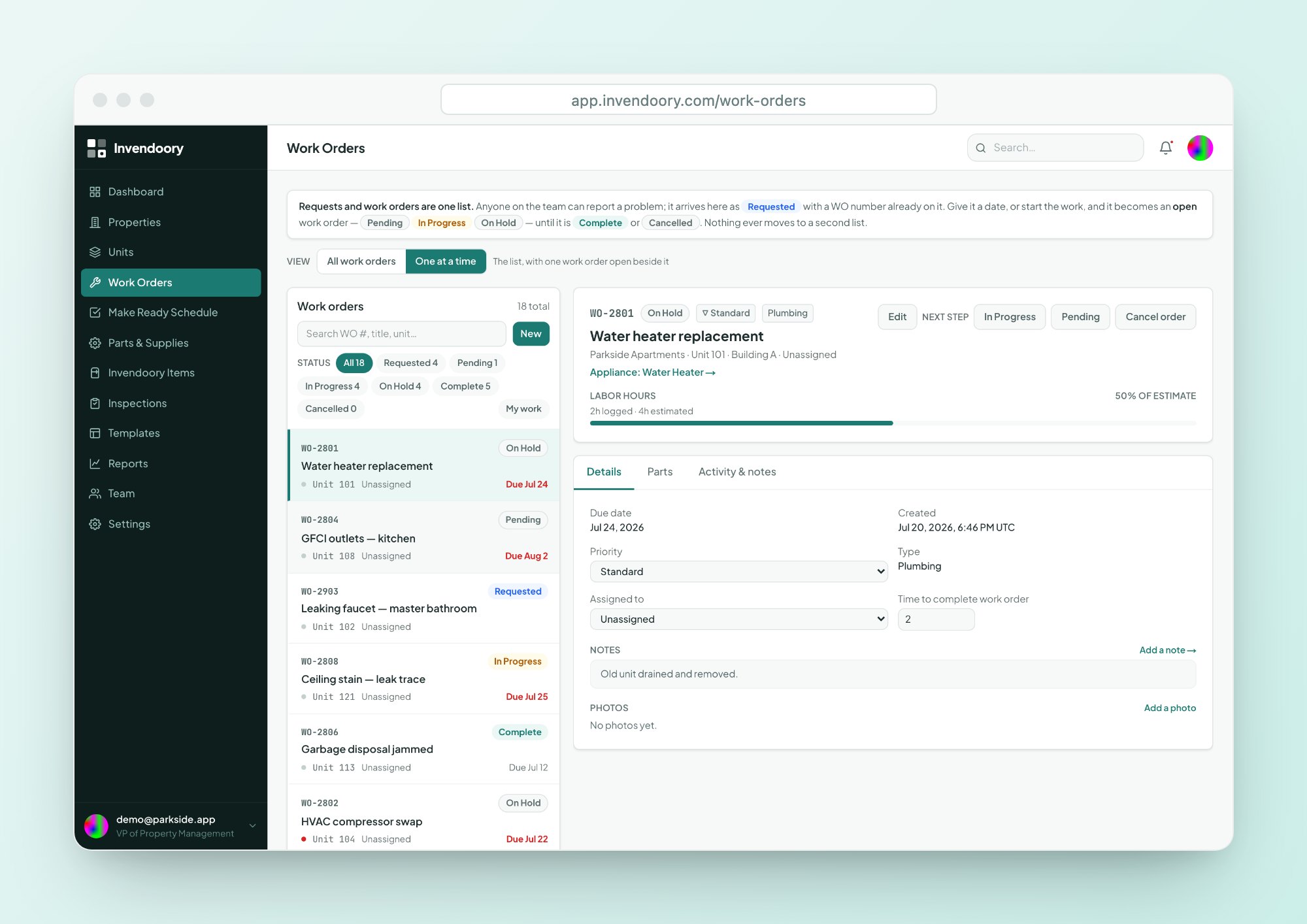
What a technician sees before the first trip
A work order app should save the second trip to the shop.
The unit and the appliance
Every work order links to the unit and the specific item, so the make, model, serial, age and warranty are on the screen.
- Life used and warranty badge
- Full item history
Compatible parts
Parts can come from the catalog, which reduces stock, or be entered as free text for something one-off.
- Stock and cost shown
- Free text when it isn’t in the catalog
Time and photos
Record estimated and actual hours, and attach photos from the phone’s camera to the work order.
- Estimated vs. actual hours
- Photos on the work order
Work it from a phone, in the browser
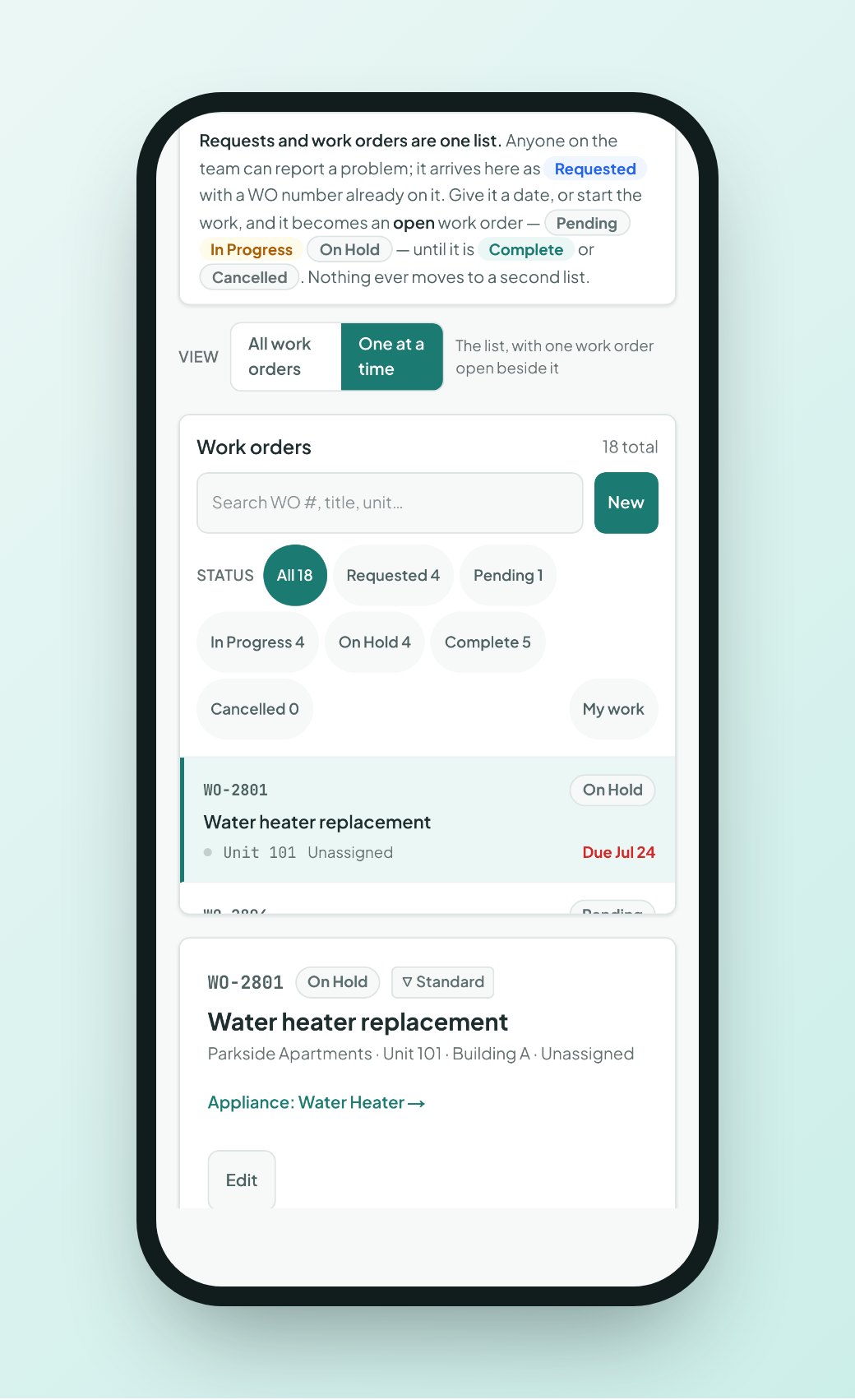
Technicians open their assigned work orders on a phone, with 44px tap targets and camera capture. There is nothing to install, though it does need a data connection.
Smart suggestions help at intake. The app suggests a type, offers Critical when a problem sounds urgent, and flags a likely duplicate request for the same unit. A person always confirms. For maintenance tracking software that people actually keep updated, a short form matters.
- Suggested type and Critical flag, confirmed by a person
- Duplicate-request warning for the same unit
- Photos from the phone camera
From request to a closed record
The same path every time, whether the request came from Leasing, an inspection or a tech.
Request
Anyone files a request. A supervisor triages it, sets priority and assigns a tech.
Work
The tech moves it to In Progress, takes parts from the catalog and adds notes and photos.
Hold or cancel
If it stalls or is withdrawn, a note is required. The audited history keeps the reason.
Complete
Finishing a replacement updates the appliance’s make, model, serial, value and warranty.
Completing a replacement updates the record
When a tech replaces a water heater or a range, the work order carries the new make, model, serial, value and warranty back to the appliance. The item’s history timeline shows the replacement through the work order that made it.
That is why this work order software for property management feeds your reports. Inspection concerns convert into work orders in one step, with type, item and priority pre-filled where the app is confident and left blank where it isn’t.
- Make, model, serial, value and warranty written back
- Replacement appears in the item’s history
- Concerns from inspections convert in one step
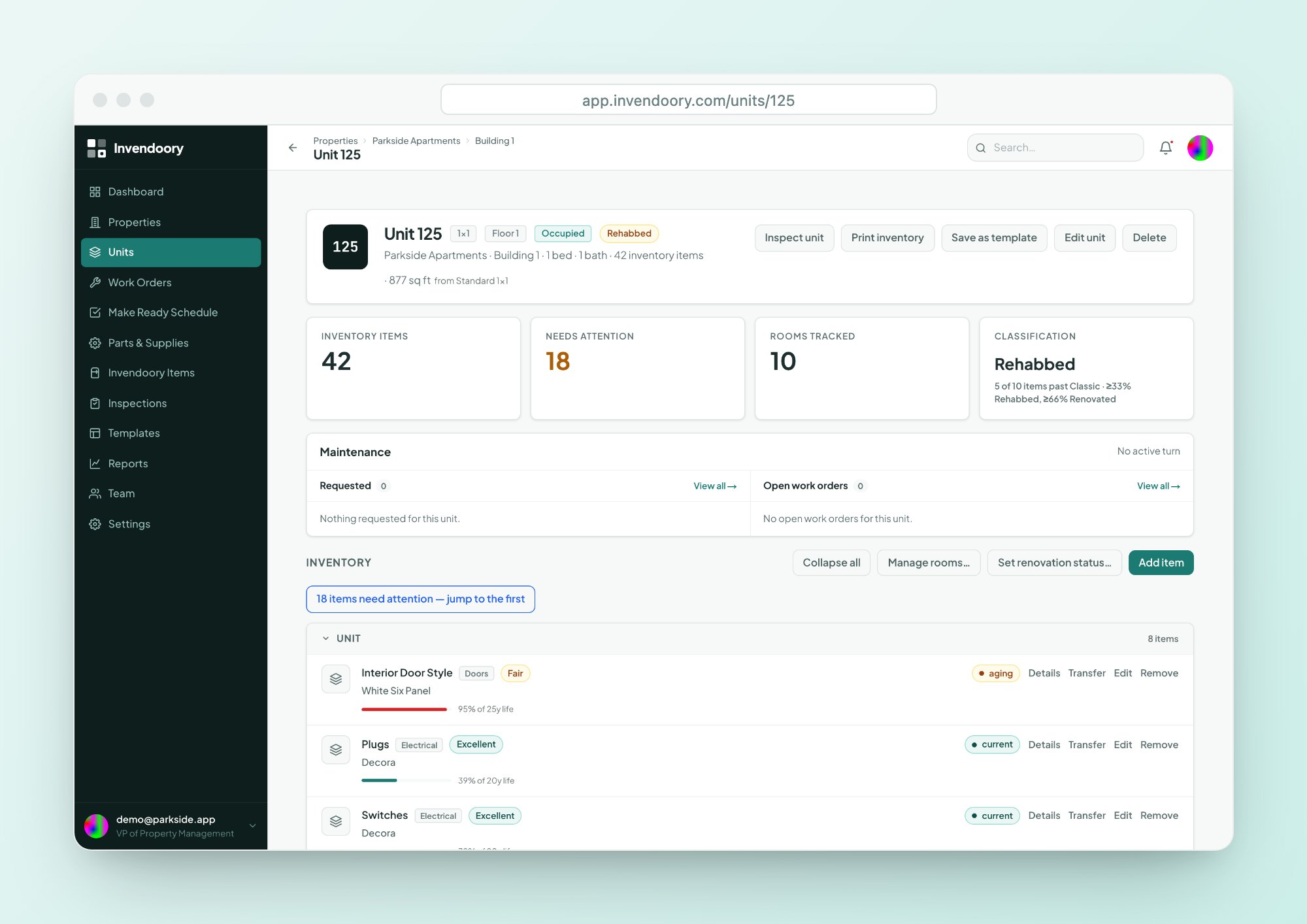
Work orders by the numbers
Know when something needs you
Assigned and reassigned work orders, status changes, new requests and completed work all trigger notifications. They appear in an in-app bell and can also come by email, and each person chooses by category. Nobody is notified about their own actions.
Supervisors see Requested and Critical counts on the dashboard, with the change from last week. Each card links to the exact rows. For counts across technicians, see the reports and dashboard, and for supplies see parts and supplies.
Work order questions
Can residents submit requests?
Not directly. Invendoory has no resident portal. Anyone on your team can file a request, including Leasing, who have read-only access otherwise. Staff enter what residents report, and smart suggestions help catch duplicates for the same unit.
Is there a kanban board?
No. Work orders are a list with a detail panel. The single list covers requests and work orders together, so nothing sits in a separate queue waiting to be converted.
Does it track preventive maintenance schedules?
Not as recurring schedules. Inspections are scheduled and tracked, with due-soon and overdue notifications for managers. Warranty expiry alerts start 30 days ahead. Recurring work order generation is not a feature we can promise today.
How do parts get attached?
Pick them from the Parts & Supplies catalog, which reduces stock, or type a part in free text. Every appliance’s detail shows compatible parts with stock and cost, so a tech can see what fits before leaving the shop.
Can we see the history of what was done?
Yes. Each work order has an audited activity and notes history, and a replacement shows up on the item’s own timeline. Closed records keep their detail, so you can show a resident or insurer what was done and when.
File a request and follow it through
In the live demo, open a work order, see the linked appliance and complete a replacement. No signup, with sample data.