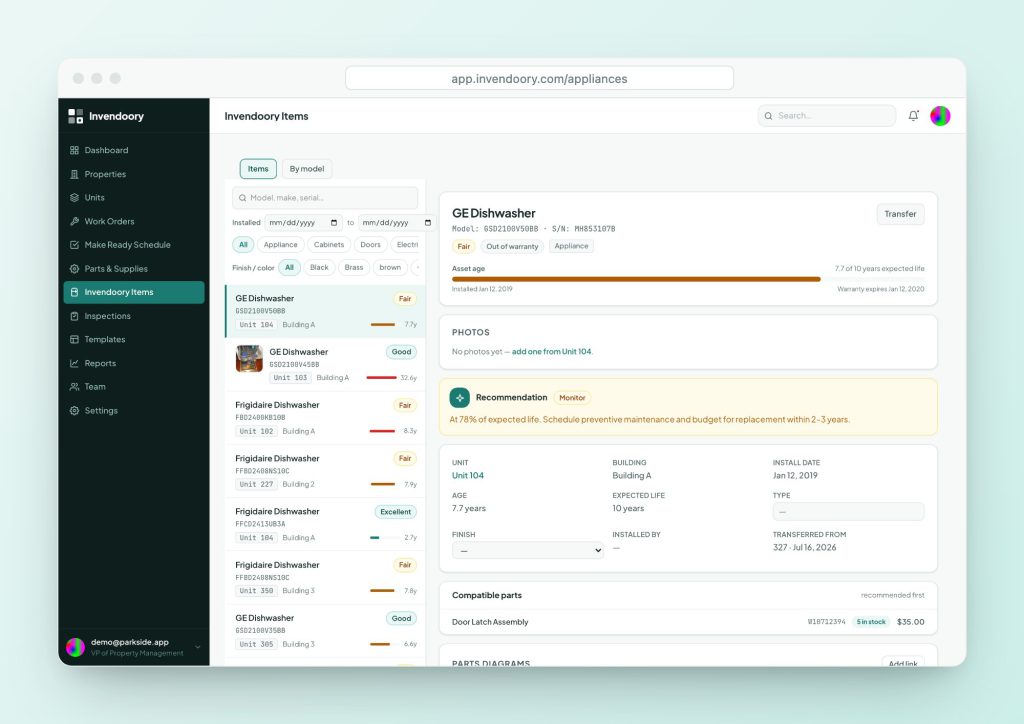
When an appliance recall hits the news, the hard part for an apartment operator is not reading the notice. It is knowing which of your 1,000 units has the recalled model. Here is how to check, and how to find them.
How to check an appliance recall by model number
Start with the label. Every major appliance has a data plate with the brand, model number and serial number. On a gas water heater it is usually beside the gas control valve and thermostat. You need all three: brand, model and serial, because recalls often cover only a range of serial numbers.
Then check two kinds of source. The U.S. Consumer Product Safety Commission, or CPSC, publishes federal recalls. Manufacturers publish their own recall pages and often a lookup that takes a model or serial number.
Check both. A manufacturer may run a repair program before or after a federal notice, and one recall can cover several brands made on the same line.
Four steps for an appliance recall lookup
Do this the same way every time, and write down what you found.
1. Read the data plate
Record brand, model and serial. Take a photo of the plate so you do not have to go back.
2. Search CPSC
Search the CPSC recalls page by keyword, product category or hazard. Open the notice and compare your model and serial to the ones listed.
3. Check the manufacturer
Look for the recall page on the brand’s own site, or the lookup named in the CPSC notice.
4. Record the result
Note the date checked and the outcome. If it is affected, follow the remedy in the notice.
What the CPSC recall search does and does not do

The CPSC Recalls and Product Safety Warnings page lets you filter by date range, hazard and product category. It also offers CSV downloads of all recalls, a recall RSS feed and email subscriptions. It does not show a model-number box, but each notice lists the affected models and serial ranges in the text, so open the notice and read it.
SaferProducts.gov is not a recall search. It is where people report an unsafe product to the CPSC. If you find a hazard, report it there. If you want to know whether a model is recalled, use the recall pages.
- Filter by date, hazard and product category
- CSV download, RSS feed and email alerts
- SaferProducts.gov is for reporting hazards
A water heater recall: what a good notice tells you
In November 2018, the CPSC announced a recall of about 616,000 gas water heaters from A. O. Smith, recall number 19-029. The units were 30, 40 and 50 gallon heaters made between April 2011 and August 2016. Only units whose first four serial digits fall between 1115 and 1631 were included.
The heaters were also sold as American, Kenmore, Reliance, State, U.S. Craftmaster and Whirlpool. That is the lesson. A water heater recall can sit under a brand name that is not on the label you expected. The notice tells you to find the data plate, turn the heater off and contact the company about a free repair.
- Recall 19-029, announced November 8, 2018
- Serial digits 1115 to 1631 only
- Several brands, one manufacturer
Why a model-level inventory matters
Checking one appliance is easy. Checking a portfolio is a different job. When a recall names a model, you need a list of every unit with that model, and you need it the same day.
If your records live on technicians’ phones, in old spreadsheets and in a supervisor’s head, that list takes days to build and you still miss some. If you have an item-level inventory with make, model and serial for every appliance, it is a search.
The serial number also tells you when a unit was made, which is how you tell whether it falls in a recalled range. Our appliance age finder decodes serial numbers for many major brands.
Find every unit with a given make and model
Invendoory Items searches the whole portfolio by item, make, model, serial, color or vendor, filtered by category, finish, install date and property. The By model view shows every unit that has a given make and model, which is exactly what you need for a recall.
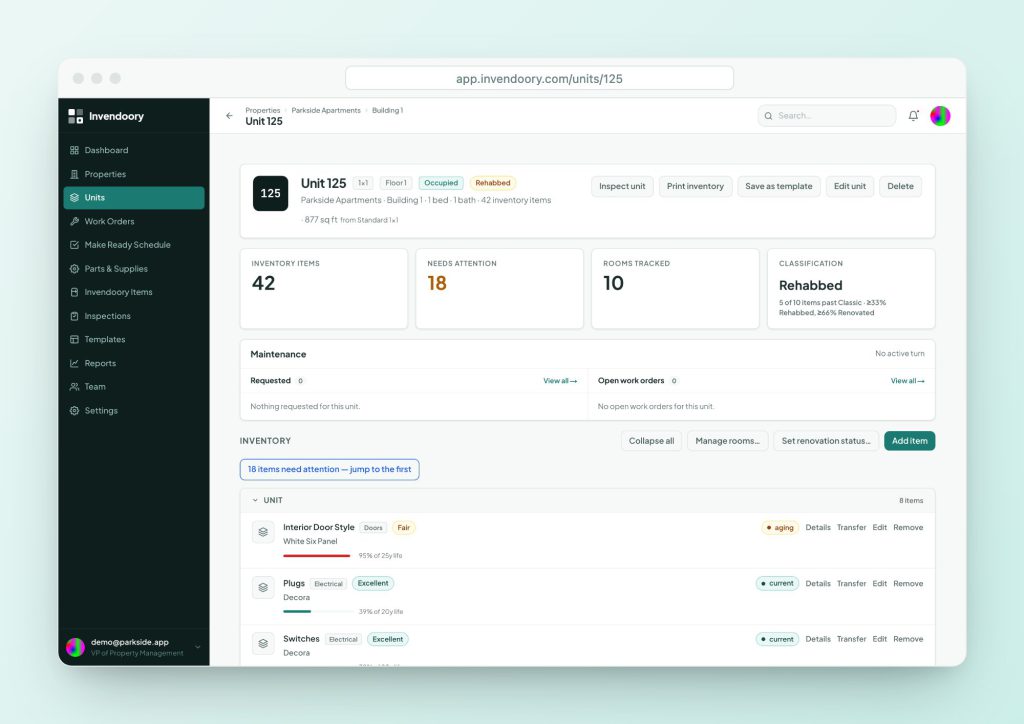
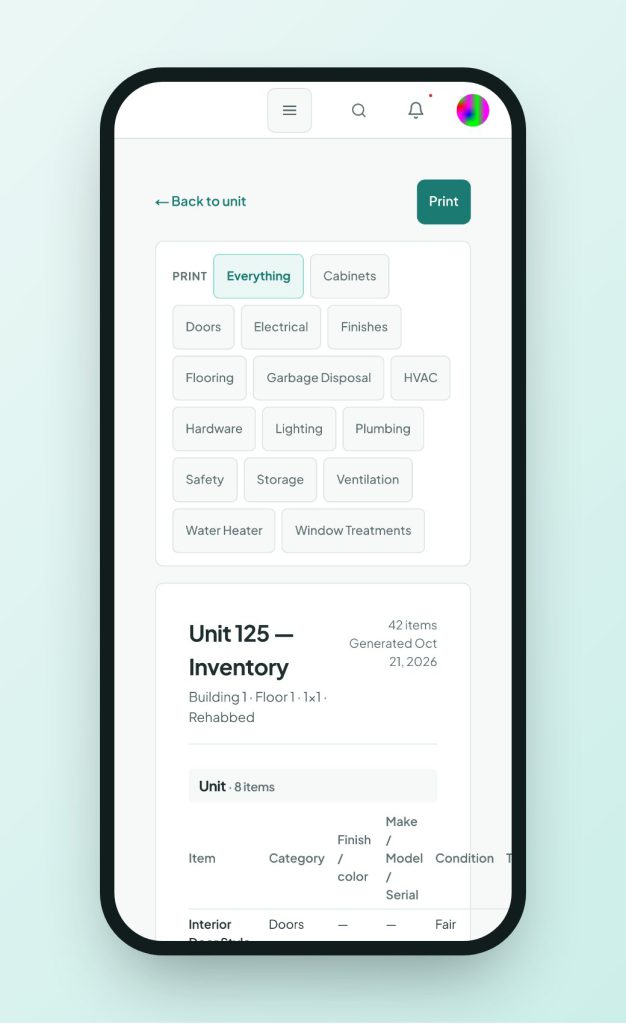
Each item holds its make, model, serial and up to 20 tagged photos, including serial plate photos. See asset inventory for how the record is kept.
- Search by make, model or serial across properties
- By model: every unit with a given make and model
- Serial plate photos tagged on the item
Turn the list into work
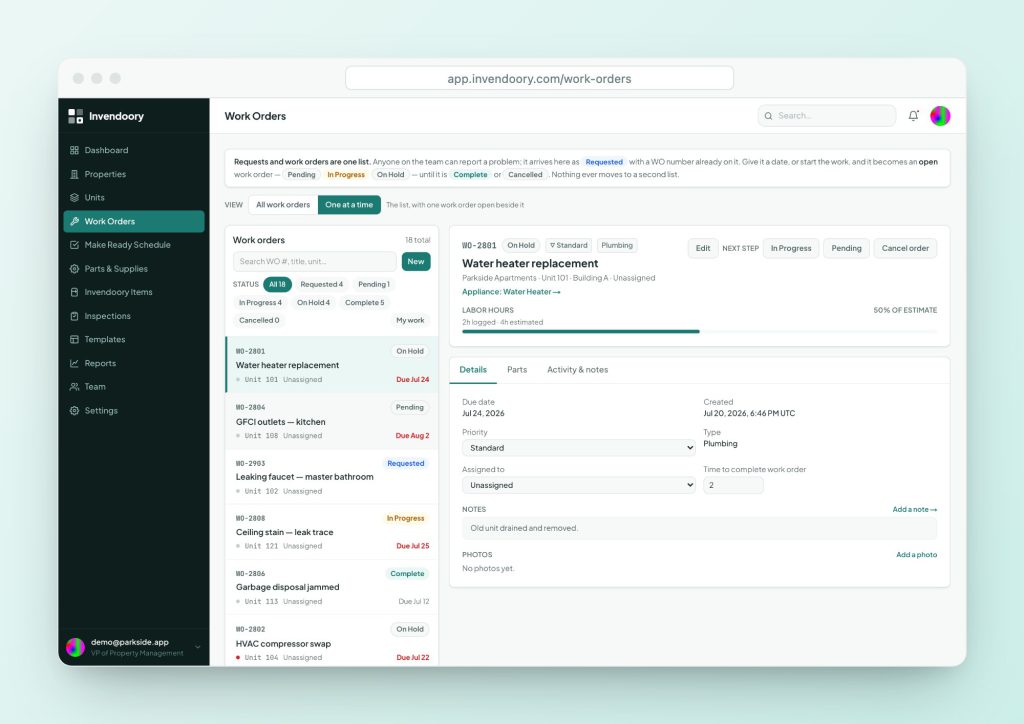
Once you have the list of units, file a work order for each one. Work orders link to the unit and the specific appliance, and have one lifecycle from Requested to Complete. Parts can come from the catalog.
When a replacement is completed, the appliance’s make, model, serial, value and warranty update, and the item history records the change. Invendoory does not check CPSC for you or send recall alerts, so someone still has to read the notices.
- One work order per affected unit
- Completing a replacement updates the record
- You still check the notices yourself
Appliance recall questions
Can I search CPSC recalls by model number?
The CPSC recalls page filters by date, hazard and category, and it does not show a model-number field. Model numbers appear in the text of each notice, so search by product type, then open the notice and compare. Keep the data plate photo handy.
Where is the model number on a water heater?
On the data plate, usually next to the gas control valve and thermostat on gas models. The brand, model and serial number are printed there. Take a photo, since the plate can be hard to read behind a closet door.
What if the serial number is not in the recalled range?
Then that unit is not covered by that notice. Write down the date you checked and the result, so you do not repeat the work. Recheck if the manufacturer expands the range.
How often should we check for recalls?
There is no rule. Many operators check when a recall makes the news and when they buy new equipment. CPSC offers email subscriptions and an RSS feed, which can tell you without searching.
Does Invendoory notify us of recalls?
No. It does not monitor CPSC or manufacturers. What it gives you is the by-model list of affected units once you know a make and model to look for.
Sources
- CPSC: Recalls and Product Safety Warnings (Search filters, CSV downloads, RSS and email subscription; SaferProducts.gov is for reporting.)
- CPSC: A. O. Smith Recalls Ultra-Low NOx Water Heaters Due to Fire Hazard (recall 19-029) (Units, serial range, brands, data plate location and the manufacturer lookup at waterheaterrecall.com.)
Checked October 2026.